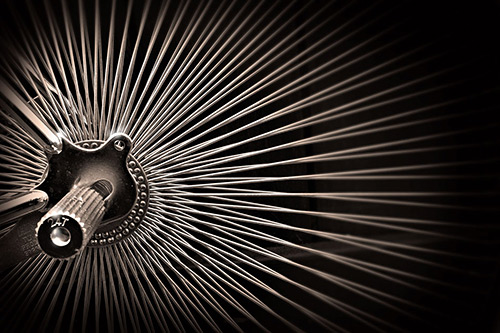
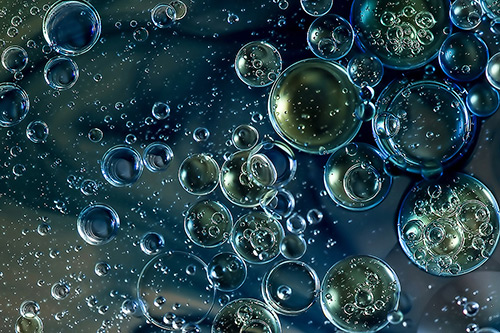
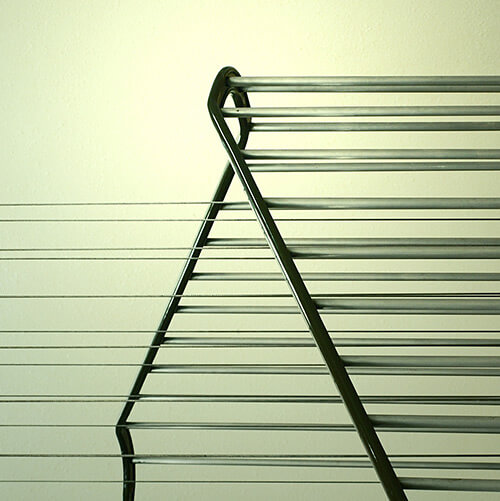
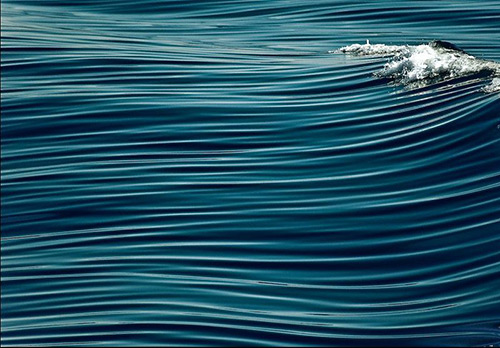
4. Design Methods: Task at Hand.

Thursday, 9 December 2010

14 - Design Methods Evaluation

Nature Final Images:
I chose this image for both iPhone and iPad.

Texture Final Images:

^ I chose this image for iPad.


^ I chose this for the iPhone.

Abstract Final Images:

^ I chose this image for the iPhone.


^ I chose this for the iPad.

Evaluation

This unit taught us how to follow a design method to create Apple Wallpapers for Apple devices. We imagined that Apple had approached us asking for designs for four categories; Nature, Texture, Culture and Abstract. We had to document our whole design process for each category either by a blog or sketchbook.

Following a design process helps you come up with better initial and final ideas and give you an idea of what has already been done before.

First, there is your general research, which includes research into the category itself, and the art/photography you find surrounding it. Looking at other peoples work helps you get inspired to create your own if you are struggling with initial ideas.

Monday, 6 December 2010

13 - Final Wallpaper Designs!

From the beta testing, I have chosen my final designs for the iPhone and the iPad.

iPhone Wallpaper:


iPad Wallpaper:


12 - Beta Testing

I need to find out what others think of my designs and which wants they would choose to be their wallpapers.

I chose 3 of my personal favourite designs and the ones that I asked 6 people of all ages, 3 males and 3 females. I noted the data by tallying. The tallies and totals are underneath the images.

For iPhone, I chose:

Tally: IIII
Total: 4
3 Females and 1 Male

Tally:I
Total: 1
1 Male

Tally: I
Total: 1
1 Male

The most popular wallpaper was the rain drops image. It was most popular in females.

From this, I can select the most popular to be the final wallpaper for iPhone.

For iPad, I chose:
Tally: II
Total: 2
2 females

Tally: II
Total: 2
1 female
1 male

Tally: II
Total: 2
2 males

Interestingly, all these designs were equally popular. The females asked mostly preferred the first images, and the males asked mostly preferred the third image.

Because of this, I will have to decide which design to use as a final wallpaper for the iPad.

11 - iPad demos.


As I do not have an iPad to test the wallpapers on, I used PhotoShop; I mounted my images on to a template of an iPad.

I'm pleased with how they all look.

Thursday, 2 December 2010

10 - Choosing my Final Images and iPhone demos.

Before I can choose what my final wallpapers are... I need to test what they look like on the iPhone/iPad and find out what others think look best.


^ This wallpaper works really well, the writing is clear and it looks really effective as a background.


^ Same for this wallpaper, it fits perfectly.


^ I made this wallpaper using lines and paintbrushes in PhotoShop, it looks similar to the actual Macbook wallpapers. It works well as a wallpaper on the iPhone.


^ This is really simple wallpaper, I used blending options to create the flame effect. It looks really nice as a wallpaper and I am currently using it on my iPhone.


^ Imade this image using the radial blur effect and layering to create a really cool image. It also fits well on the iPhone.


^ I made this wallpaper using paint brushes, lines and shapes. Its really abstract because of the shapes and colour.


^ To create this wallpaper, I used the smudge tool and paintbrushes. I love the purple and think it looks great as a wallpaper.

Overall, I am really pleased with my experimentations! I have some ideas about which ones I'd like to use as my final designs, next I am going to see what they look like on the iPad.

9 - My Experimentations

I experimented in Photoshop and took some Photos:


Tuesday, 30 November 2010

8 - Next step.

Now that I have gathered enough knowledge and research on the Abstract category, I can start to think about my own ideas.

I started to experiment in Photoshop and found that I could come up with some really unique and interesting images. I've taken a few photos as well, but having done lots of experiments in Photoshop, I'm certain that I could come up with some good digital images that would be suitable wallpapers.

As I'm not particuarly experienced with PhotoShop, I used lots of tutorials to help build my knowledge in render effects, paint brush effects, lighting effects, gradients and lots of other skills.

I need to make sure that the images I choose look good on the iPhone or iPad, they need to be the right size so that they do not pixelate on the iPad.

See my next article for my experimentations.

7 - Abstract Market Research.

Here we asked 66 people of all ages, 33 males and 33 females what category of wallpaper they use on their Apple Device, we then devised tables and charts to clearly display the data. It has been helpful in knowing which catergories are more popular in people, both male and female.

Here is an image of the table and chart:

As you can see, the most popular wallpaper in males and females is Nature, the least popular being culture. We can also see that Abstract wallpapers are most popular in Males with 15% of all males asked using them.

6 - Digital Art, Traditional Art or Photography?

For my project, I need to decide what way I'm going to create my final pieces for the category. Using digital art techniques - computer-created images, traditional art techniques - painting or drawing, or photography - taking photos of abstract objects.

I like some of the abstract pieces I found that were made digitally, and I think using Photoshop I could create some interesting wallpapers that would look good on the iPhone or iPad. As I am not good at painting or drawing, I don't think I'd like to use any traditional art techniques in creating my wallpaper.

I think I am going to mainly use Photography, I loved the images I found online and feel really inspired to create some of my own. Because it is such a broard category, I feel I could take some really good photographs. I already have some ideas!

Next I am going to look at our market research and the popularity and use of abstract wallpapers on Apple Devices.

5 - Examples of Abstract Photography.

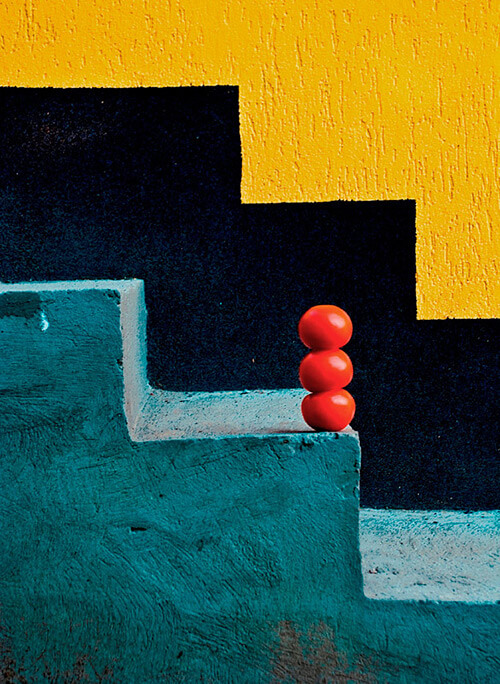
Abstract art can also be communicated through Photography. I particularly like photography so I was interested to explore abstract as a topic, here are some of the images I like:

Tony Howell:


I found a website displaying the top 40 rated abstract photographs:

Patricia Sweeney

Earl A Jones

Tanakawho


Alexandra Buisse

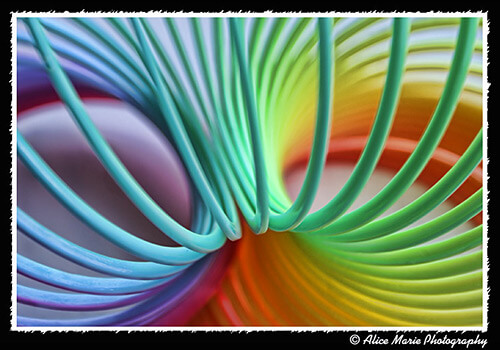
Alice Marie